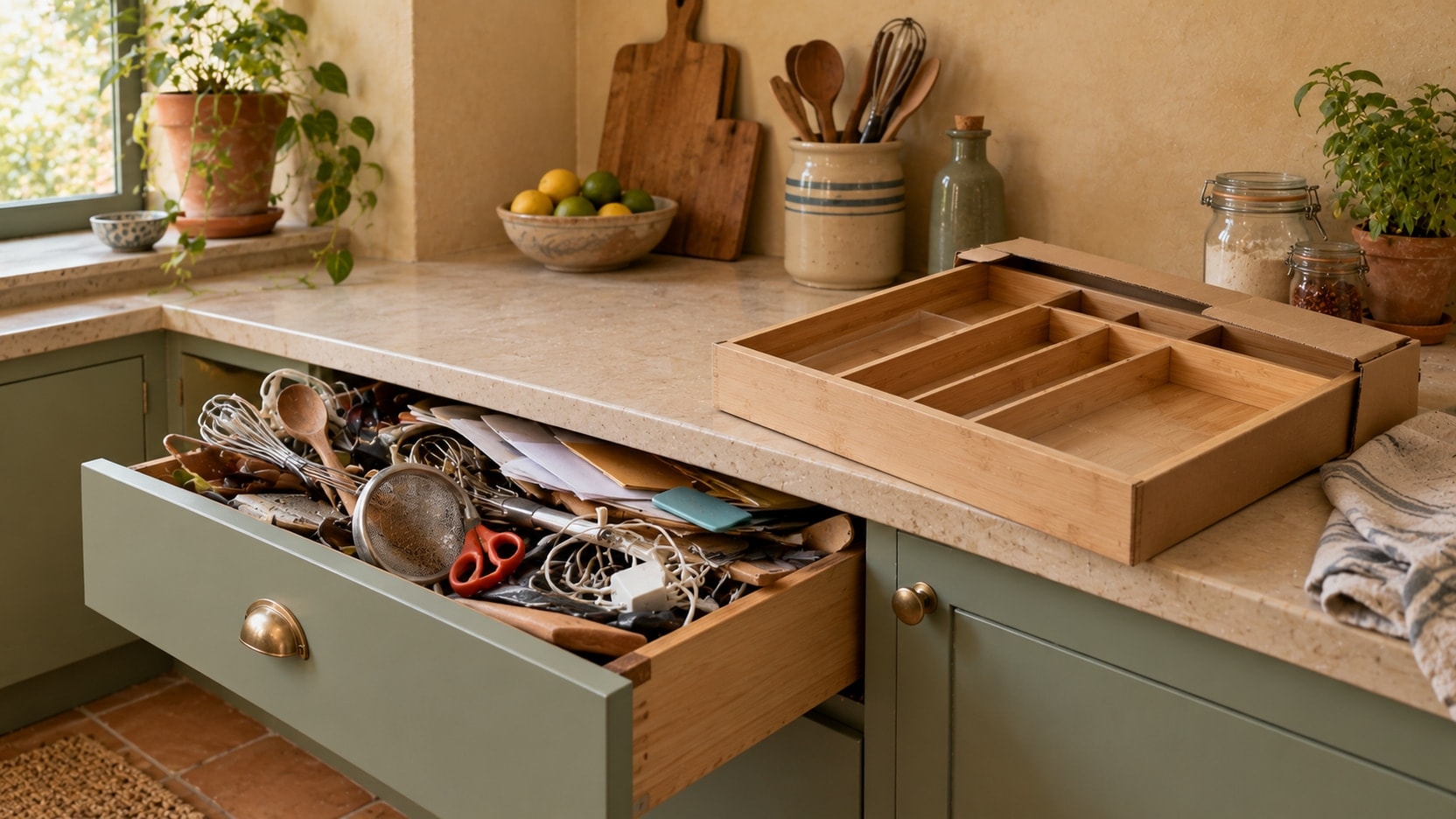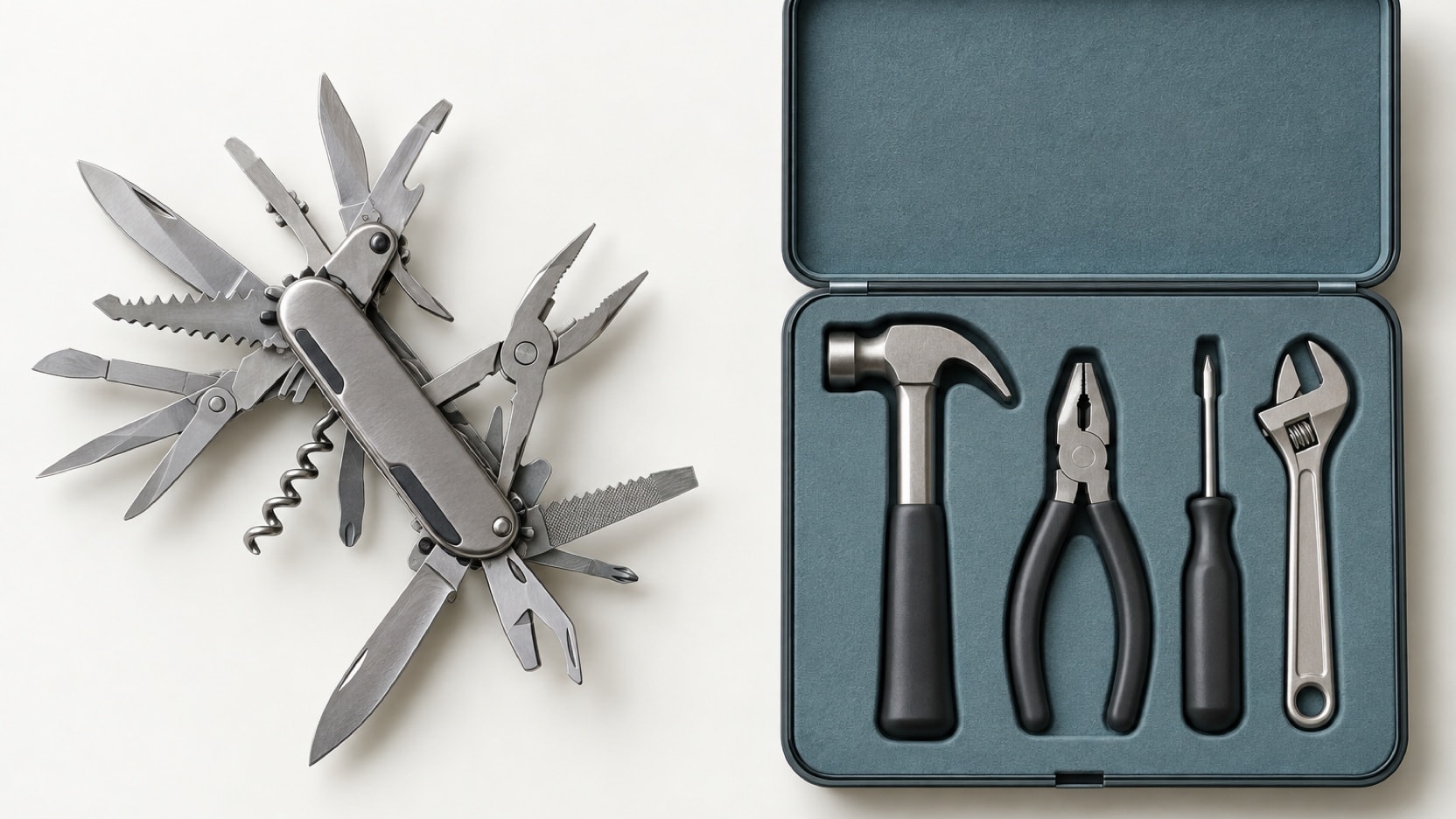
Buy ready-made software for jobs that work the same way in most companies, such as accounting, payroll or chat. Use a no-code tool builder for simple tools that few people use and one person in the team can look after. Build custom when the process is specific to you, many people depend on it every day, or it must connect several tools. Start with one process, not a full system.
A team of 10 to 50 people runs on many small tools. Some are bought, some are spreadsheets, and some live only in one person's head. Each new hire adds a little more friction: one more login, one more copy of the data, one more question on chat. This article is about the internal tools that hold the daily work together, the three ways to get them, and how to choose without starting a large project.
Which internal tools does a team of this size need?
An internal tool is software that only your team uses, to run the work behind the scenes. Clients never see it. In teams of 10 to 50, the same needs come back again and again:
- Order or job tracking. Where each order, job or file stands, who is working on it, and what comes next.
- Approvals. A quote, a discount, an expense or a purchase that needs a yes from someone before it goes ahead.
- Stock. What you have, where it is, and when you need to order more.
- Planning. Who works where and when, which machine or room is booked, which job goes first.
- Supplier follow-up. What was ordered, what was confirmed, what is late, and who must chase it.
- Reporting. The few numbers the managers check every week, without someone building them by hand.
You do not need all of them at once. Most teams have one or two that hurt much more than the others. Those are the place to start.
What are the three options?
For each of these jobs, you can get a tool in three ways.
- Ready-made software. A product you rent, usually for a fee per user per month. It is ready in days, the vendor (the company that sells it) keeps it updated, and it brings logins and mobile access from day one. In return, you work the way the product was designed.
- No-code or low-code tool builders. Platforms where you build simple apps on top of your data by dragging blocks and setting rules, with little or no code. They are good for a form, a list with statuses or a simple approval step. They become harder to manage as the rules, the users and the data grow.
- Custom built. A tool designed and built for your process, often on top of the tools you already use. It costs more at the start and needs upkeep, but it follows your steps, has no fee per user, and you own the code and the data.
None of these is the right answer for every job. Most teams end up with a mix, and that is normal.
How do you choose for each job?
Choose per job, not for the whole company. Take one need from the list above and answer these questions.
- Does this job work the same way in most companies? Accounting, payroll, email and chat are good examples. Buy. Building your own rarely makes sense here.
- Is it simple, used by a few people, with one person willing to look after it? A no-code tool is often enough. Write down who owns it.
- Is the process specific to you, with your own steps, rules or prices? A standard product will force workarounds. Custom is worth a look.
- Do many people depend on it every day, with different rights? Then you need solid logins, roles (who may see and change what) and a history of changes. That points to a mature product or to custom, not to a quick build.
- Must it share data with several of your other tools? If the job sits between your CRM, your accounting and your stock, a custom layer that connects them is often the cleanest answer.
We compare ready-made and custom in more detail in custom business tool or off-the-shelf software. If the tool is for your clients rather than your team, read client portal: build or buy instead, because the questions are not the same.
The right internal tool is the one your team stops talking about, because it simply works.
What are the hidden costs on each side?
The price on the website is never the full cost. Each option has costs that only show up later.
- Fees per seat. Ready-made products and many no-code platforms charge per user. A tool at €20 per user per month costs €7,200 a year for 30 people, and the bill grows with every hire. Some features also sit only in the more expensive plans.
- Workarounds. When the product almost fits, people fill the gap by hand: an extra spreadsheet, a copy-paste, a message to check. These minutes add up every week and never show on an invoice.
- Data in many places. Five tools means five lists of clients, products or jobs. Someone has to keep them in line, and the numbers in your reports start to disagree.
- The one person who built it. No-code tools are often built by one motivated team member. When they leave or change role, nobody knows how the rules work.
- Limits as you grow. No-code platforms often have limits on records, automations or users per plan. Moving away later can mean rebuilding.
- Upkeep for custom. A custom tool has a build cost, then a smaller yearly cost for hosting, updates, security and small changes. Plan for it from the start. Our guide to custom software cost for a small business gives typical market ranges.
Write these costs down for each option over three years, not one. The picture often changes.
Who owns the tool inside your team?
This question decides more than the technology. Every internal tool needs one person in your team who is responsible for it. They collect requests, decide what changes, and check that the data stays clean.
With ready-made software, this person manages the users, the settings and the vendor. With a no-code tool, they often build and fix it too, so make sure it is part of their job, not a side task. With a custom tool, they are the link with the people who build and maintain it.
If nobody can take this role, choose the simplest option, even if it fits less well. A tool without an owner slowly becomes a second messy spreadsheet.
How do you start small?
The safest way is to start with one process and a small group of users.
- Pick the job that hurts most. The one that causes the most errors, delays or questions each week.
- Write down the real steps. Ask the people who do the work, not only the managers. Note who does what, and where the data comes from.
- Test before you commit. Try a ready-made product with your real data during its trial. For a custom tool, test the screens with the team before the build starts.
- Connect, do not copy. If the data already exists in another tool, bring it in through an export or an API (a way for two programs to share data), so nobody types it twice.
- Check that you can get your data out. Whatever you choose, make sure a full export is possible.
- Review after three months. Is the team using it? Has the problem gone? Only then move to the next process.
If that first process still lives in a spreadsheet, our step-by-step guide on replacing Excel with software shows how to move it safely.
The bottom line
A team of 10 to 50 does not need one big system. It needs the right tool for each job: ready-made where the work is standard, no-code where it is simple and owned, and custom where the process is yours and many people depend on it. Count the hidden costs over three years, name an owner, and start with the one process that hurts most.
If you want an honest view on which of your jobs deserve a custom tool, see how we design and build custom business tools around the way your team works. We will also tell you which ones are better bought.