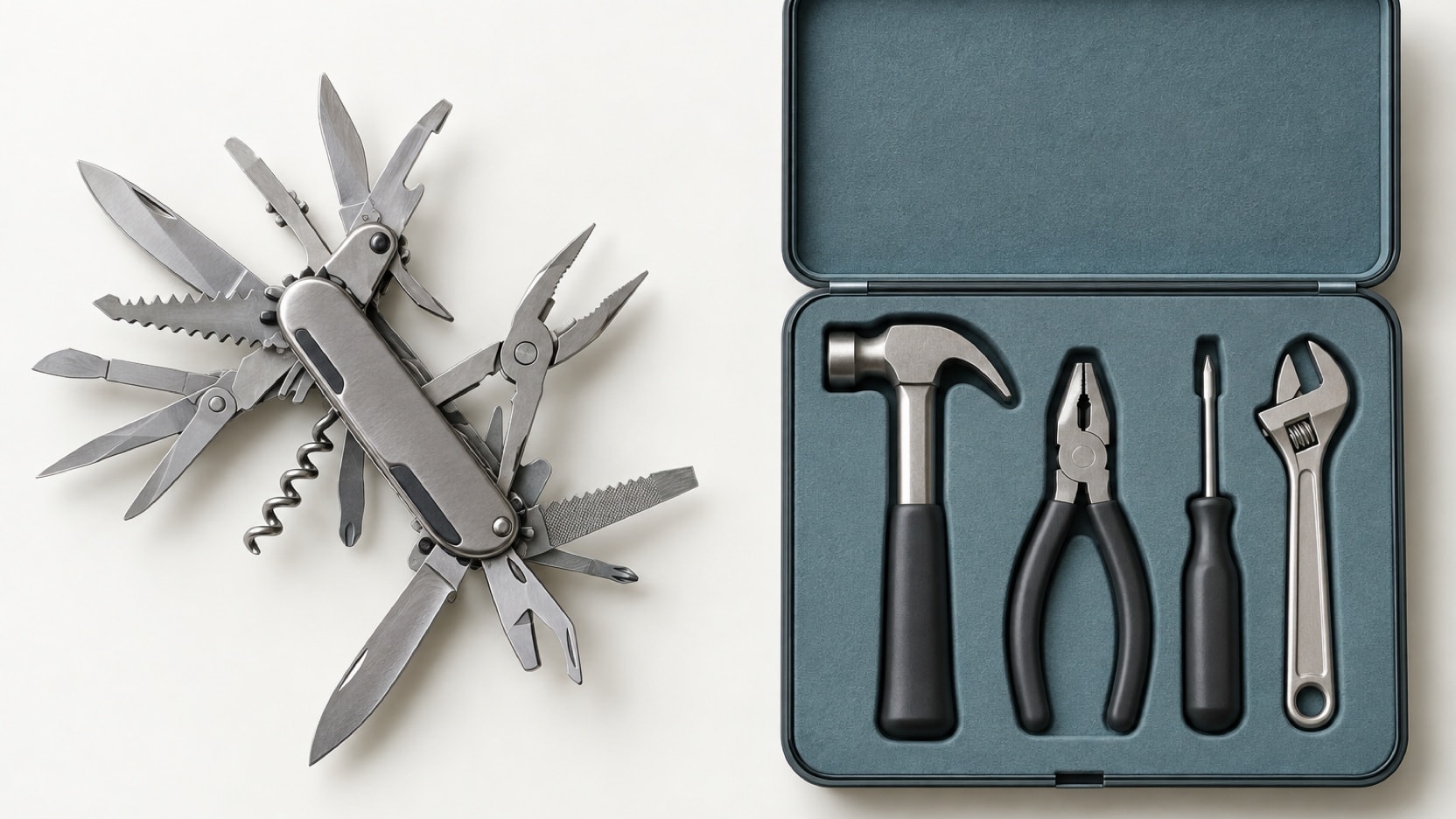
Use off-the-shelf software when it covers your process with only small compromises. A custom business tool pays off in three cases: when your process is your edge, when workarounds cost hours every week, or when your clients use the tool themselves. Often the best answer is to keep your standard tools and build only the missing piece.
Every growing business reaches the same point. The spreadsheet that worked for five clients does not work for fifty. The team copies the same data from one tool to another every week. Someone says: "Should we build our own tool?" This article helps you answer that question honestly, without a sales pitch in either direction.
Start with off-the-shelf, most of the time
Off-the-shelf software means ready-made tools you rent or buy: a CRM to track clients, spreadsheets, project tools, accounting software. They are fast to start, cheap at the beginning, and they improve without any work from you.
If a standard tool covers your process with only small compromises, use it. That is our honest advice, and we give it even when it means we build nothing. A custom tool has to earn its place.
Signs your current tools no longer fit
None of these is a crisis on its own. But when you see several of them at once, your tools have started to limit your team:
- One spreadsheet runs the business. And only one person really knows how it works. If they are away, work stops.
- The same data is typed in several places. A new client goes into the CRM, then the invoice tool, then a shared sheet. By hand, every week.
- Reports take a day. Numbers are pulled together manually, and they are out of date by the time anyone reads them.
- Clients email you for everything. They ask for updates, documents and invoices they could check for themselves.
- The software almost fits. You pay for features you never use and work around the ones you need.
- Growth means more admin. Each new client adds hours of manual work instead of revenue.
When custom pays off
There are three clear cases where building your own tool usually makes sense.
- Your process is your edge. If the way you work is what makes clients choose you, a standard tool forces you to work like everyone else. A custom tool follows your process instead.
- Workarounds cost hours every week. Manual copying, checking and fixing add up. When the same steps repeat every week, a tool that does them for you pays for itself over time.
- Clients use the tool themselves. A customer portal is part of what you sell. A generic login page from another company does not look or work like your business. Your own portal does.
The question is not which option is cheaper today. It is which one costs less over the next few years.
How to do the maths
You do not need a spreadsheet model. You need honest answers to a few simple questions.
- Count the hours. How many hours per week does your team spend on copying data, building reports and answering the same client questions? Multiply by what those hours cost you.
- Count the fees. Most ready-made tools charge per user, per month. Add up what you pay now, and what you will pay when the team grows.
- Count the mistakes. Data typed by hand gets typed wrong. A wrong invoice or a missed follow-up has a cost too.
- Compare with the build. A custom tool has a cost to build and a smaller cost to keep it updated and secure. It has no fee per user.
If the first three lines add up to more than the fourth over a few years, custom pays off. If they do not, stay with the tool you have and improve how you use it.
The middle path most teams miss
Custom does not have to mean replacing everything. Often the best answer is to keep your standard tools and build only the missing piece.
- Connect your tools. If a tool has an API (a way for software to talk to other software) or an export, we can bring its data in, send data back, or automate the steps in between. Your CRM, payments, accounting and email then share the same data.
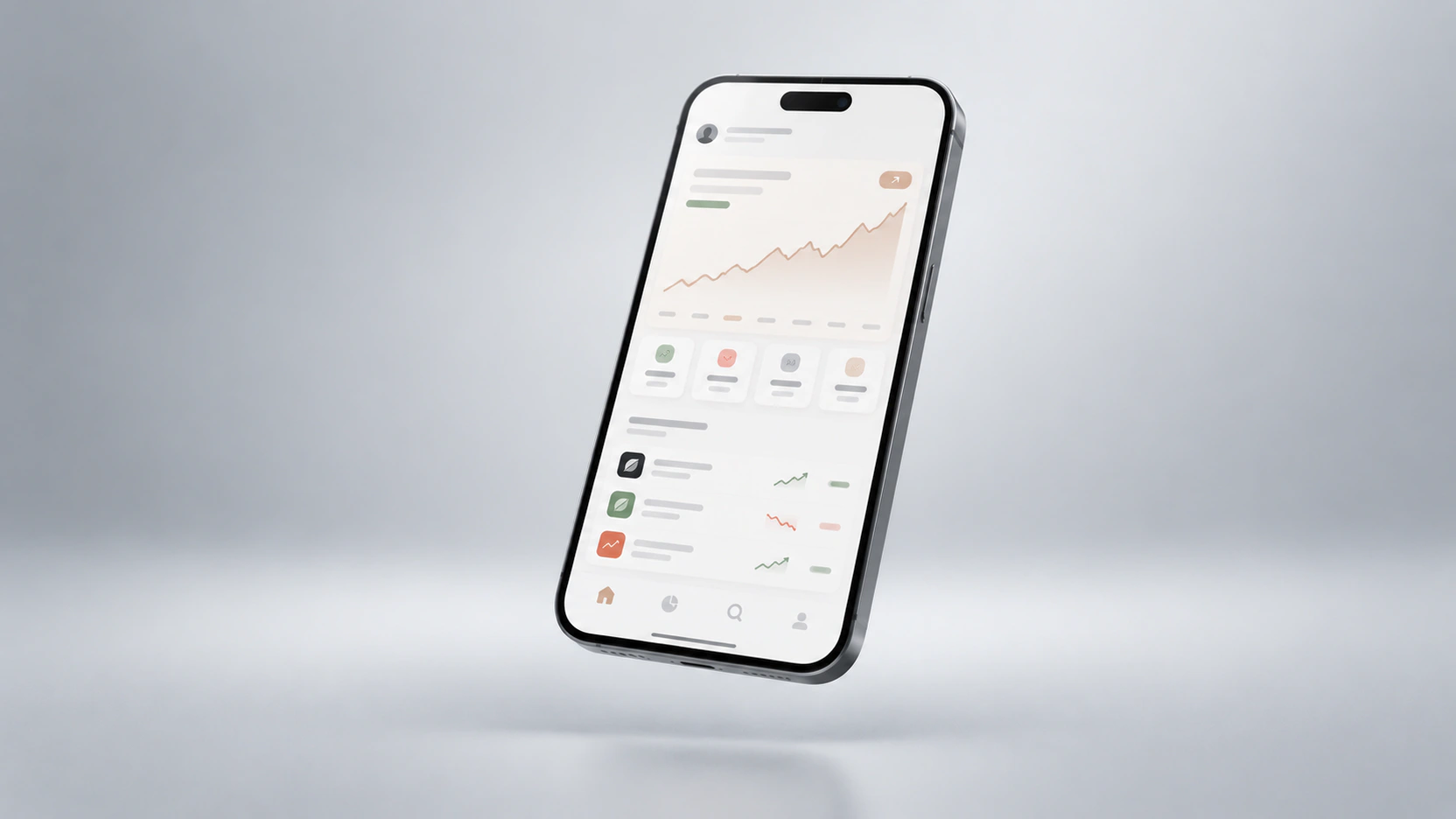
- Add one dashboard. Your numbers from every source in one real-time view, so decisions stop waiting for a report.
- Add a portal on top. Clients log in, follow progress, find their documents and manage their account, while your team keeps working in the tools it knows.
- Automate the boring steps. From intake forms to invoices and follow-up emails, repeated steps can run on their own.
This path is smaller, faster and less risky than a full replacement. A focused tool like a dashboard or a simple portal takes weeks rather than months.
What custom really means for you
Before you decide, know what you are signing up for, the good parts and the less good ones.
- You own it. The code, the accounts and the data are yours. There are no licence fees and no lock-in.
- It fits how you work. A good build starts by mapping how your team really works today, not from a list of features. Screens are tested with the people who will use them before the build begins.
- It needs care. Like any software, a custom tool must be updated, monitored and kept secure. A care plan covers this, and new features can be added as your business changes.
- Access is under your control. Proper logins, roles and permissions mean each person sees only what they should.
Questions to ask before you choose
- Which exact steps of our process does the standard tool not cover?
- How many hours per week do those gaps cost us?
- Could we solve it by connecting our tools, instead of replacing them?
- Will clients use this tool, or only our team?
- Who will own the code, the data and the accounts?
- What does it cost to keep it running after launch?
The bottom line
Use ready-made software when it fits. Build when your process is your edge, when workarounds eat hours every week, or when your clients use the tool themselves. And before you replace anything, check whether connecting what you already have would solve most of the problem.
If you want an honest view on your own case, see how we design and build custom dashboards, portals and internal tools around the way your team works. And if the tool is really the business itself, not just a part of it, read what an MVP costs in 2026 first.