Your Supabase database is open if a table has row level security (RLS) turned off, or if its rules let anyone read every row. The public key in your app is meant to be seen, but it is only safe when RLS is on and the rules are right. Check it in the dashboard: every table should have RLS on, each rule should limit users to their own data, and the secret key should never be in the browser.
Supabase is a popular database service, and many AI builders use it to store an app's data. It is a good tool, and it gives you strong ways to protect your users. But one of them has to be set up correctly, and in apps built quickly it often is not. The result is a database that anyone can read with a few lines of code, while the app looks perfectly normal on screen. This article explains row level security in plain words, why it is so often missing, how to check your own project, and what to do if you find a problem. It goes deep on one point. For the full list of security checks, see our security checklist for an app built with AI.
How your app talks to Supabase
In a classic app, the browser asks your server for data, and the server asks the database. Many Supabase apps skip that middle step. The code that runs in the browser talks to the database directly, through Supabase's API (the address the app sends its requests to).
To do that, the browser code contains two things: your project address and a public key, called the anon key (newer projects may call it the publishable key). Anyone can open the browser's developer tools and see both. That is normal. Supabase designed it this way, and the key is meant to be public. The real question is what someone can do with it.
What row level security is
Row level security, or RLS, is a feature of Postgres, the database inside Supabase. It lets you write rules, called policies, that say who may read, add, change or delete each row of a table. A row is one record: one order, one message, one customer profile.
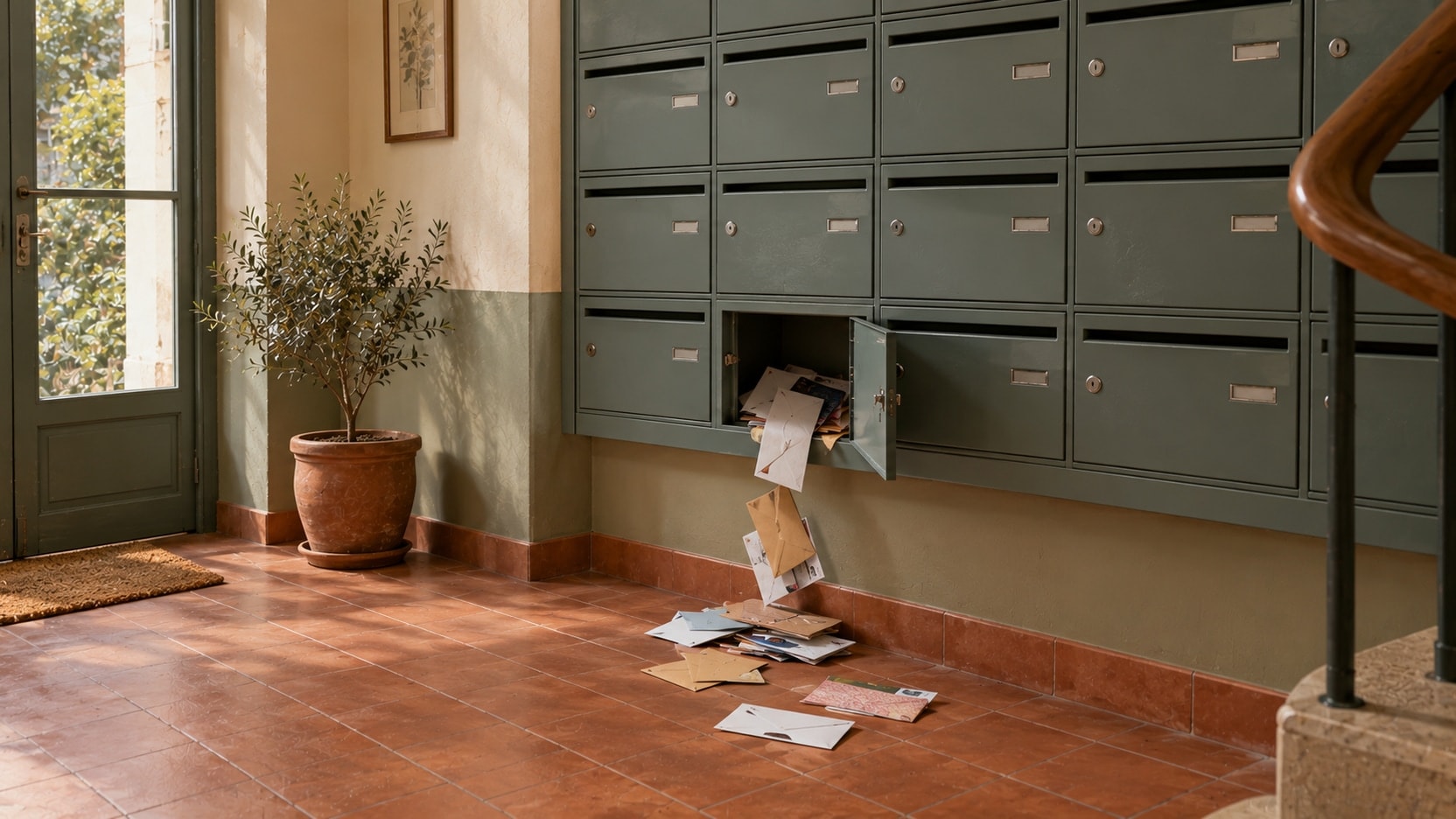
Think of your app as a building. The public key is the key to the front door, and every user has a copy. RLS is the lock on each apartment. With the locks in place, a visitor in the hall can only enter their own apartment. Without them, every door is open to anyone who walks in.
A good rule for a table of orders says, in plain words: a logged-in user may read an order only if it belongs to them. If RLS is turned on and a table has no rules at all, nobody can read it with the public key. That is safe, but your app will show empty screens until the right rules exist.
The public key in your app is not the leak. A table without locks is.
Why apps built with AI tools often launch with it open
- Tables created with SQL start with RLS off. AI tools often create tables by writing SQL code (the language used to set up a database). A table created this way has RLS turned off unless the code turns it on.
- Rules written to make an error go away. When RLS blocks a request, the app shows an empty list or a permission error. The fastest fix, for a person or for an AI, is a rule that allows everything. The error goes away, and so does the protection.
- Rules that check login, not ownership. A rule like "any logged-in user may read all rows" looks safe. But anyone can sign up, so in practice it means everyone.
- Testing with one account. If you are the only user, you see only your own data, with or without rules. The problem stays invisible until a second person looks.
- The secret key in the browser. Supabase also gives you a service role key (newer projects may call it the secret key). It skips RLS completely and is meant for server code only. If it ends up in the browser code, your rules do not matter: anyone who copies it can read and change everything.
To be fair to the tools: AI builders get a lot right here, and some now create rules and warn you about open tables. That helps. But a rule that exists is not always a rule that is right, and a warning only helps if someone reads it.
How to check in the dashboard
You need access to your Supabase project. You do not need to write code.
- Look at each table. Open the Table Editor and go through the tables of the public schema (the default place where your app's tables live). The dashboard marks tables that have RLS turned off with a warning. Any table with that warning can be read by anyone who has your public key.
- Read the Security Advisor. This is a page in the dashboard that lists security problems it finds, such as tables without RLS. Read each warning. If you do not understand one, write it down for someone who can explain it.
- Read the rules of each table. For each table with RLS on, open its policies. Look for two warning signs: a rule whose condition is simply "true", which means everyone, and a reading rule for all logged-in users that never checks who owns the row. A good rule usually compares the owner of the row with the person who is logged in. In the code, this often looks like auth.uid() = user_id.
- Check your file storage. Photos and documents live in storage buckets (folders for files). Anyone with a file's link can open a file in a public bucket. That is fine for product photos, not for invoices or ID documents.
- Ask where the secret key is used. Ask your builder, or your AI tool: is the service role key used anywhere in code that runs in the browser? The only right answer is no.
Then do the two-account test from the checklist: log in as one user and try to open another user's data. These checks find most open doors, but not all of them. Some parts of the database, such as views and functions, can skip RLS when they are set up in a certain way. Those need someone who can read SQL.
What to do if you find a problem
- Act today. An open table with personal data is the most urgent fix in your app. It comes before any new feature.
- Plan the rules before you switch RLS on. Turning RLS on with no rules closes the table, and your app stops showing that data. Write the right rules first. For a table with private data, a short break in the app is still better than a leak.
- Replace a leaked secret key. If the service role key was ever in the browser code or in a public code repository, create a new key and stop the old one. Some parts of the app may need an update to use the new key.
- Find out what was exposed. Which tables, what kind of data, and since when. Supabase keeps request logs for a limited time, which may help.
- Think about your legal duties. If personal data of people in Europe may have been seen by others, the GDPR (the European data protection law) can require you to report it to the data protection authority within 72 hours of finding out. This is not legal advice. Ask a lawyer if you are unsure.
- Check again after the fix. Run the two-account test and the Security Advisor again. Do not trust a fix you have not tested.
Why a second pair of eyes helps
The person who writes a rule tends to test the case they had in mind. An AI is the same: it writes rules that look right and match the request, and then it moves on. Nobody checks the case nobody thought of.
A reviewer works the other way round. They try to read your data as a stranger would, with only the public key, calling the database directly instead of using your screens. They read every policy, every view and every function, and they check where each key is used. It is a small job compared with the cost of a leak, and it gives you a clear list ranked by risk. At Swipe Up, the database rules are the first thing we check when we finish an app built with AI. If you want a first view on your own, our free launch check shows in two minutes which points are still open.
The bottom line
Supabase gives you the locks. You still have to fit them. Turn RLS on for every table, make sure each rule limits users to their own data, and keep the secret key on the server. Then move on to the rest of the list: logins, payments, uploads and limits. Problems in those areas look different, but they come from the same cause, which we describe in why AI prototypes break with real users.