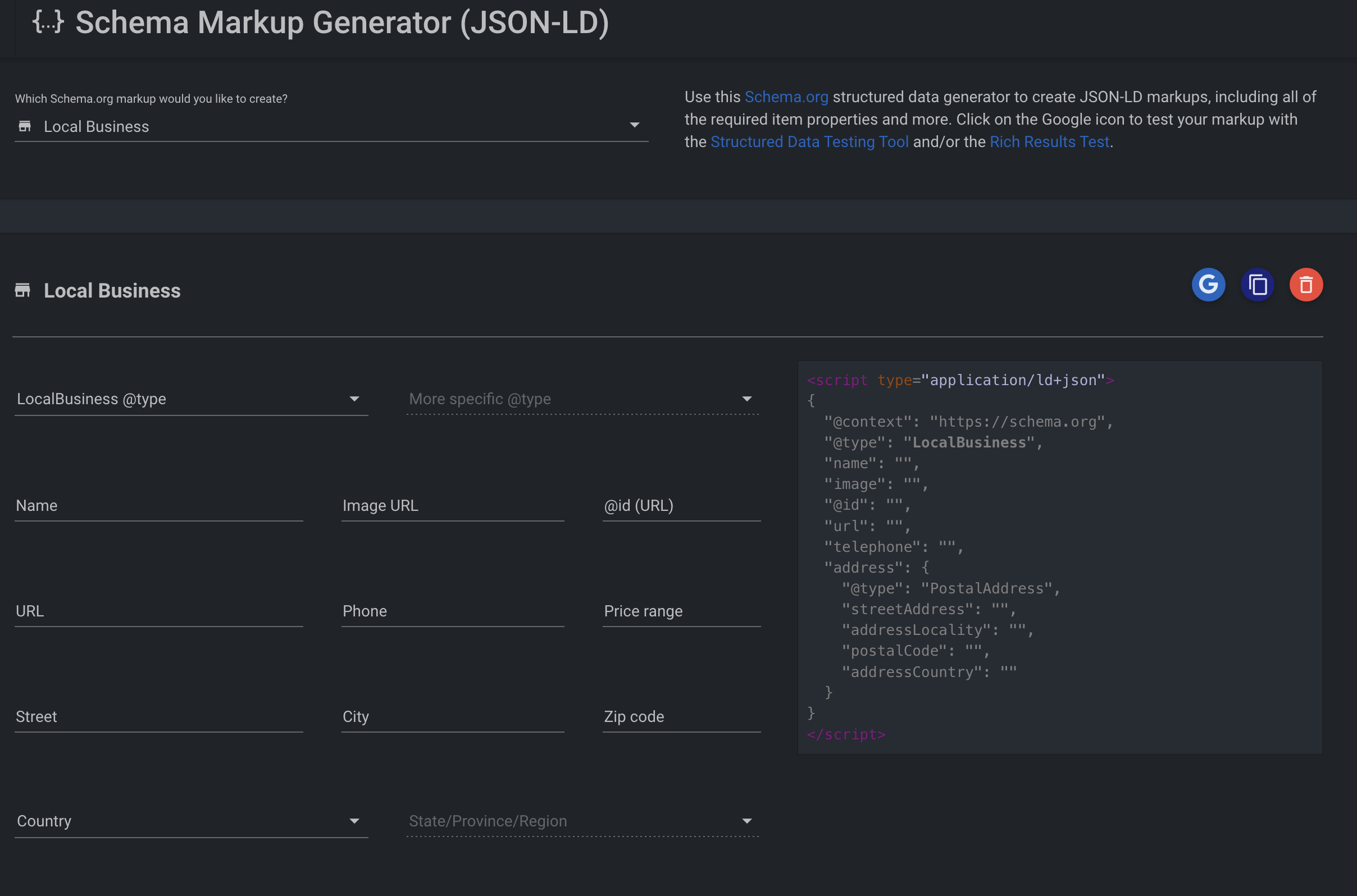
Structured data, also known as schema markup, is a type of code that helps search engines like Google or Bing understand the content of your website more easily. It is common on Squarespace websites to have tools like Ahrefs or Semrush highlight a "structured data errors" message related to "local business data missing". Here is a fast and easy way to fix this and improve your SEO score right away.
How to add structured data to your Squarespace website
- 1. Generate your schema. Use this free schema generator. Select the type of markup you need (for example "local business"), fill in the fields, then click copy to capture the code.
- 2. Test your code. Use the structured data testing tool, section "code snippet", and paste your code to ensure your markup is error-free.
- 3. Implement the code. In Squarespace, go to "website tools", then "code injection", and paste the code in the footer section.
- 4. Test your page. Use the structured data testing tool again, section "URL", to ensure your code injection is error-free.
Now you can run your site audit again on Ahrefs or Semrush and the errors should all be gone.